- Filtered
- Posts
- Introducing Filtered, Tools to get unstuck, & More
Introducing Filtered, Tools to get unstuck, & More

Arjen Harris
March 22, 2023

Welcome to Filtered, a weekly newsletter with the latest insights, tools and content around AI, tech and productivity. Subscribe here if you haven’t already.
What’s on the menu
Introducing Filtered
How to get out of analysis paralysis
My favorite productivity Youtube video
The new browser to beat
The wonders of Midjourney V5
Introducing Filtered
Filtered is a newsletter created for knowledge workers to help you:
Be more productive
Get more energized
Be happier
By filtering the best products and insights around AI, tech, and productivity straight into your inbox.

drip coffee --ar 2:1 --q 2 --v 5
The analysis paralysis rabbit hole
I’m pretty sure you know the feeling of analysis paralysis. We’ve all been there.
You want to get stuff done, but you get stuck in a research loop holding you back from actually starting.
The key is to just finish something, and not worry if it’s good or not. Lower the bar, and just start finishing. Learn by doing.
After spending a good amount of time in the analysis paralysis rabbit hole myself, I managed to crawl out.
I needed a shake-up from my partner to tell me to just get one thing finished today. This helped me get over my perfectionism, and get back to shipping my work.
Anything you’ve been in analysis paralysis on?
A video to help you get unstuck
This is one of my absolute favorite videos on productivity by the founder of Patreon, Jack Conte. I urge you to watch it. I truly can’t believe this ‘only’ has 69k views. My favorite part: ‘Life is made of funnels’.
The new browser to beat
True story: I haven’t touched Chrome or Safari on my laptop for months now.
Arc is the new browser in town and I’m all about it. It’s heavily opinionated in how it thinks you should browse, so it’s not for everyone. But that is what makes it great IMHO.
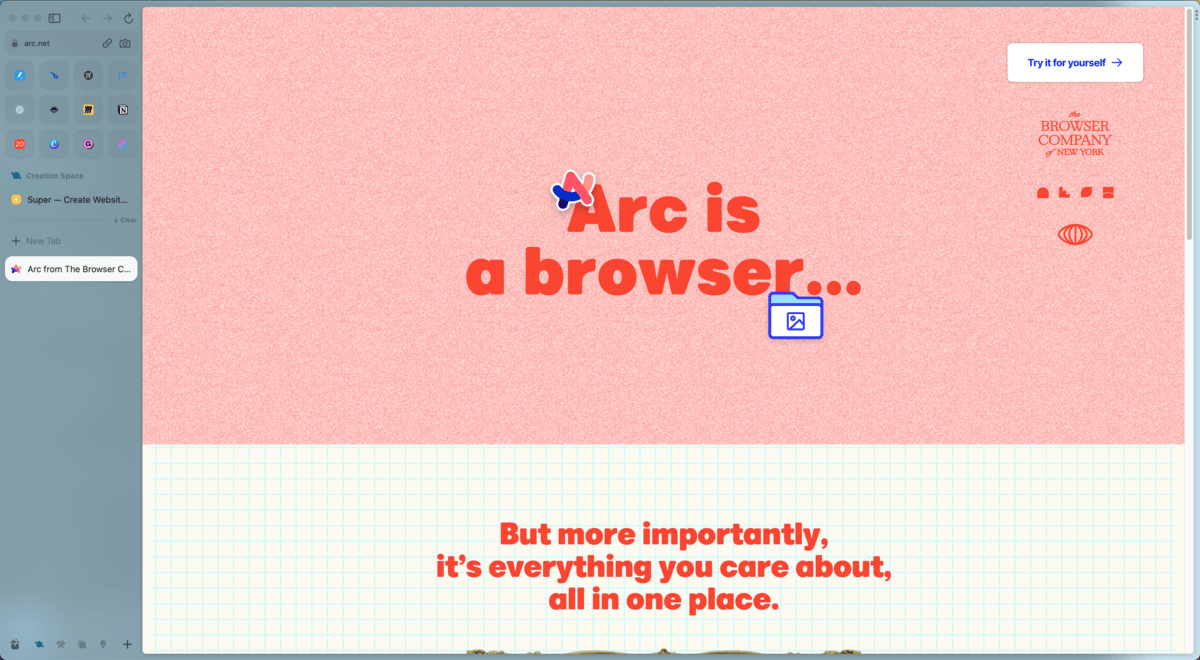
Screenshot of my Arc browser
So what do I love about it?
It’s blazing fast
The tabs on the left make sense
Favorites and pinned tabs work delightfully
Split-screen tabs are awesome and I use them often
Spaces (groups of tabs) make for organizational heaven
Keyboard shortcuts for the win. CMD + T for a spotlight-like interface to open a new tab. CMD + S to quickly hide the tab bar on the left.
If you want to try it yourself 👇️
Midjourney V5
MJ v5 released last week and it’s incredible. Have you been playing around with it? Reply to this email with your greatest V5 hits!
What I love most: The photorealism, hands improvements and more control over resolution. Truly a massive update. Left some samples below.

hyper realistic portrait photography of beautiful happy girl, dark skin, dark curls, golden earrings, summer golden hour, kodak 800, 50 mm f1. 8; image split into 2, different angles of the girl --ar 2:1 --q 2 --v 5

a photo of a snow leopard stalking the viewer looking directly at the camera in a snowy landscape with pine trees in national geographic style --ar 2:1 --q 2 --v 5

a photograph of an old woman from italy standing on the streets, cinematic lighting --ar 3:2 --q 2 --v 5
If you enjoyed this email, feel free to share it with a friend. It really helps :)
Cheers,